Seven Havens AI: Become the Bender

Upload one photo and get a video of you in a post-cataclysm haven world — elemental powers, spirit-glow cities, temple spires. No prompt writing, no editing skills.

1 photo → 1 bender clip5–10 secondsNo prompt needed

1 Choose your haven scene

One photo. 9 worlds.

View all 9 scenes

Selected: Haven Skyline · 8s · 16:9

Create your bender video

Your photo

Upload a photo of youChoose an image or drop it here

JPG, PNG, WebP · Up to 10 MB

  • Face clearly visible, looking toward the camera, in even light.
  • Half-body and full-body shots both work — the engine re-dresses you for the world.

Clip length

Haven Skyline · 5s

Photos are checked when you generate, before credits are charged

My creations
Owner-supplied reference

Your video will be silent

No music, voices or sound effects. Switch on generated audio, or add a score in TikTok, Reels or your editor.

Haven Skyline

City · 8s · 16:9

Owner-supplied reference · Reference footage, not a result generated by this site. AI results may vary; check the face and styling before sharing.

Scene templates

One photo. Pick your haven.

Every Seven Havens scene ships with a directed prompt — your photo supplies the person, the studio supplies the world and the bending.

01

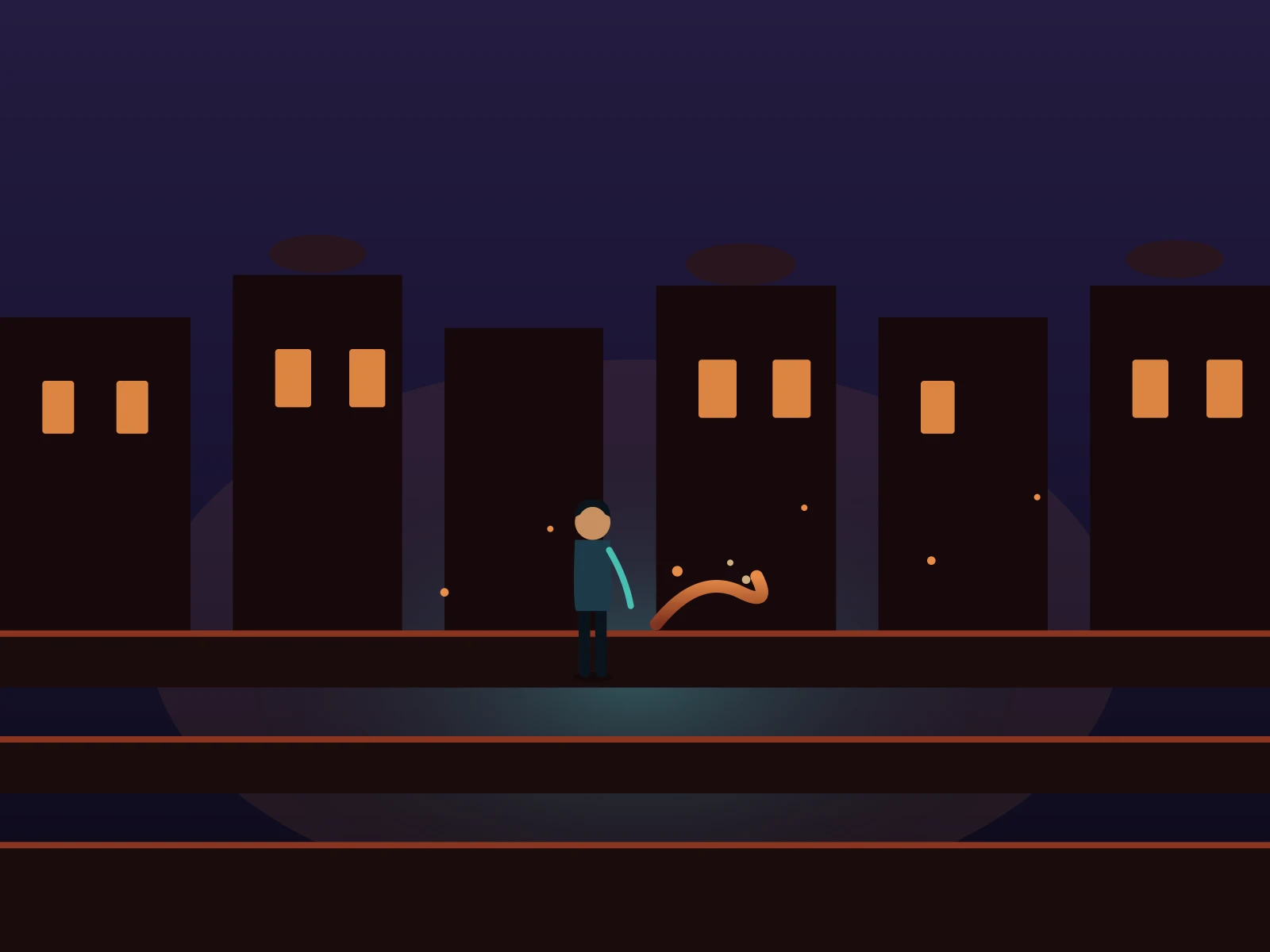
Haven Skyline

Stand on a rooftop as spirit-light washes the crystal towers of the last city.

02

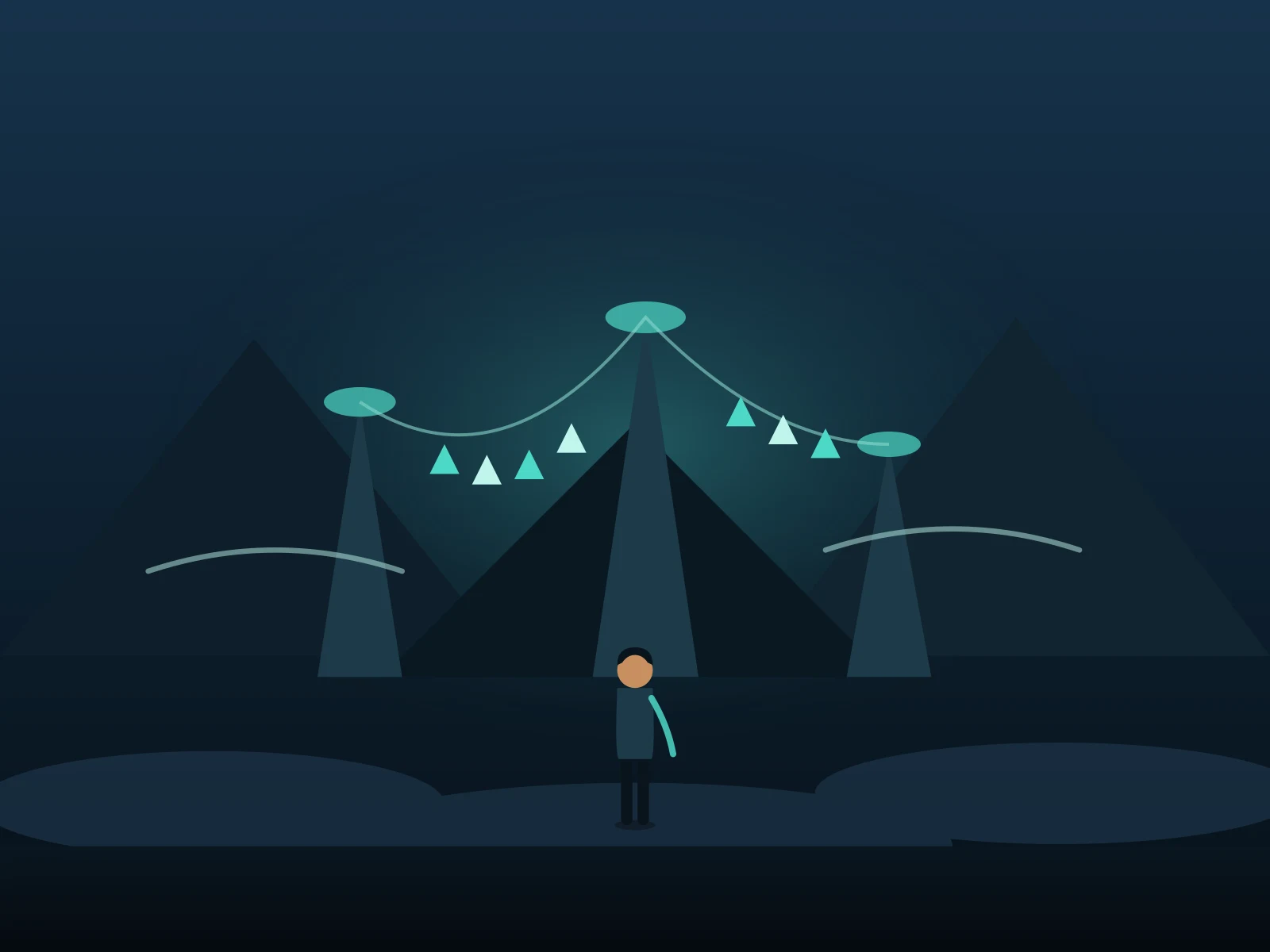
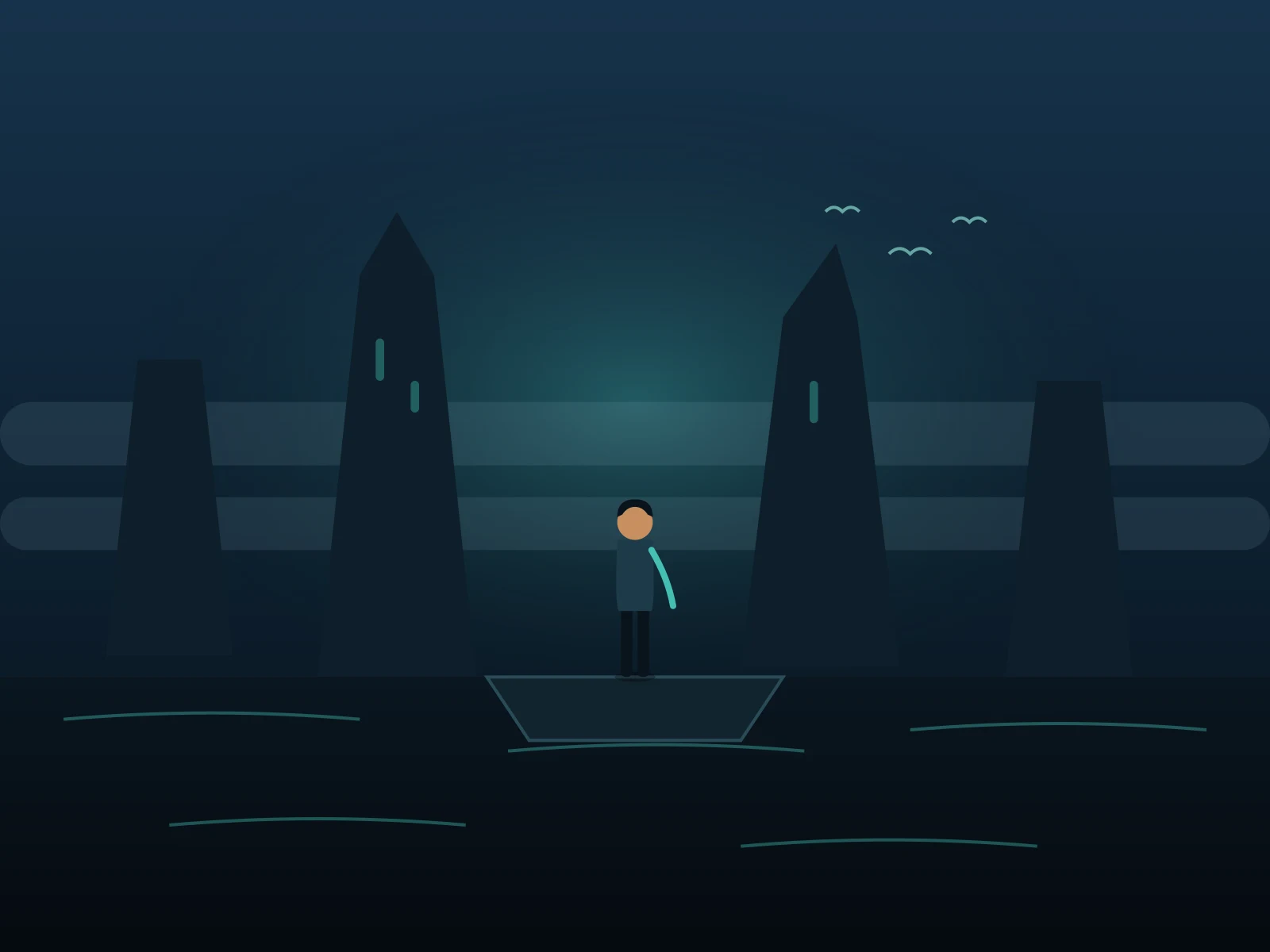
Air Temple Spires

Wind through mountain prayer flags — your form reads as a born airbender.

03

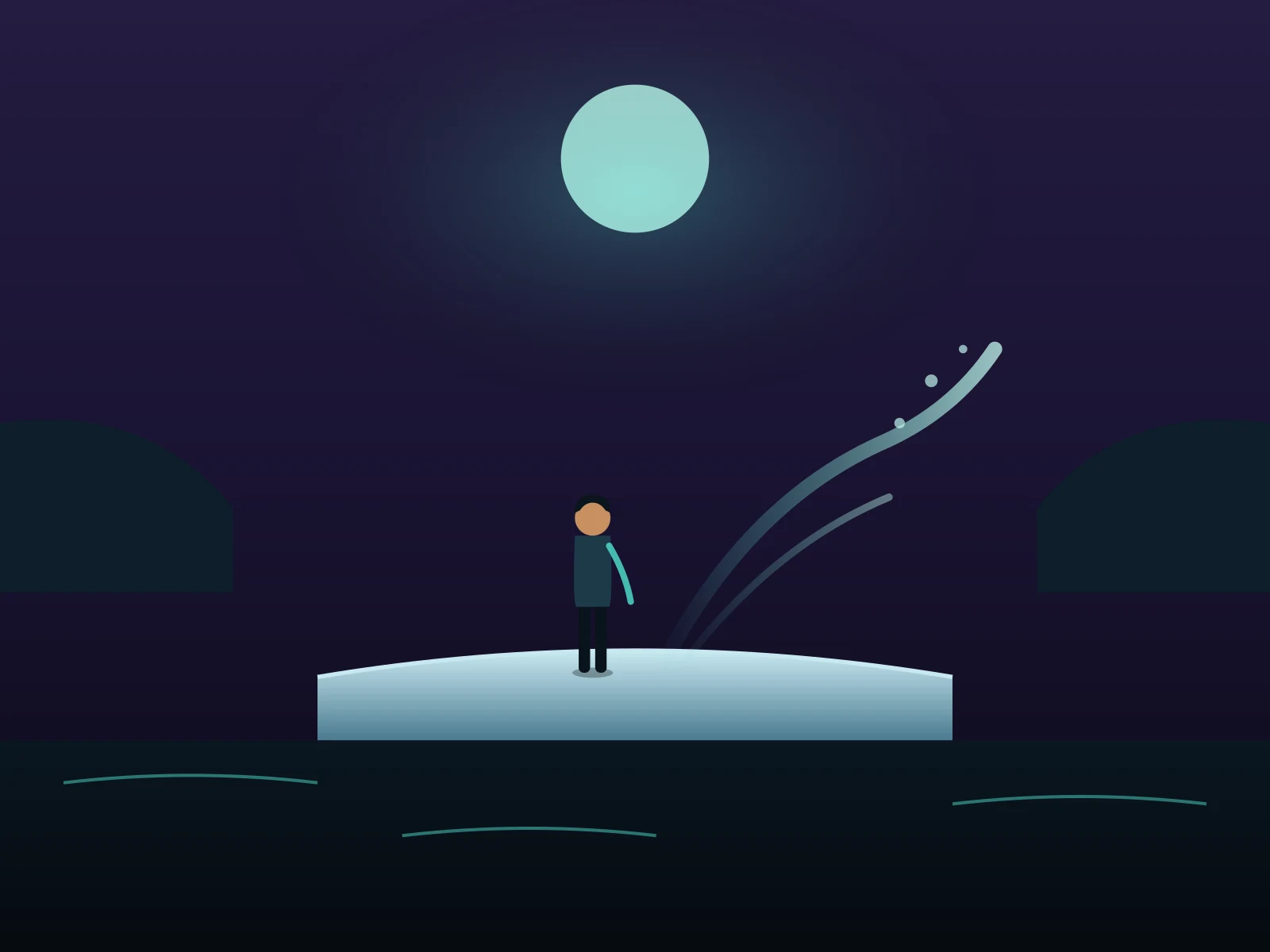
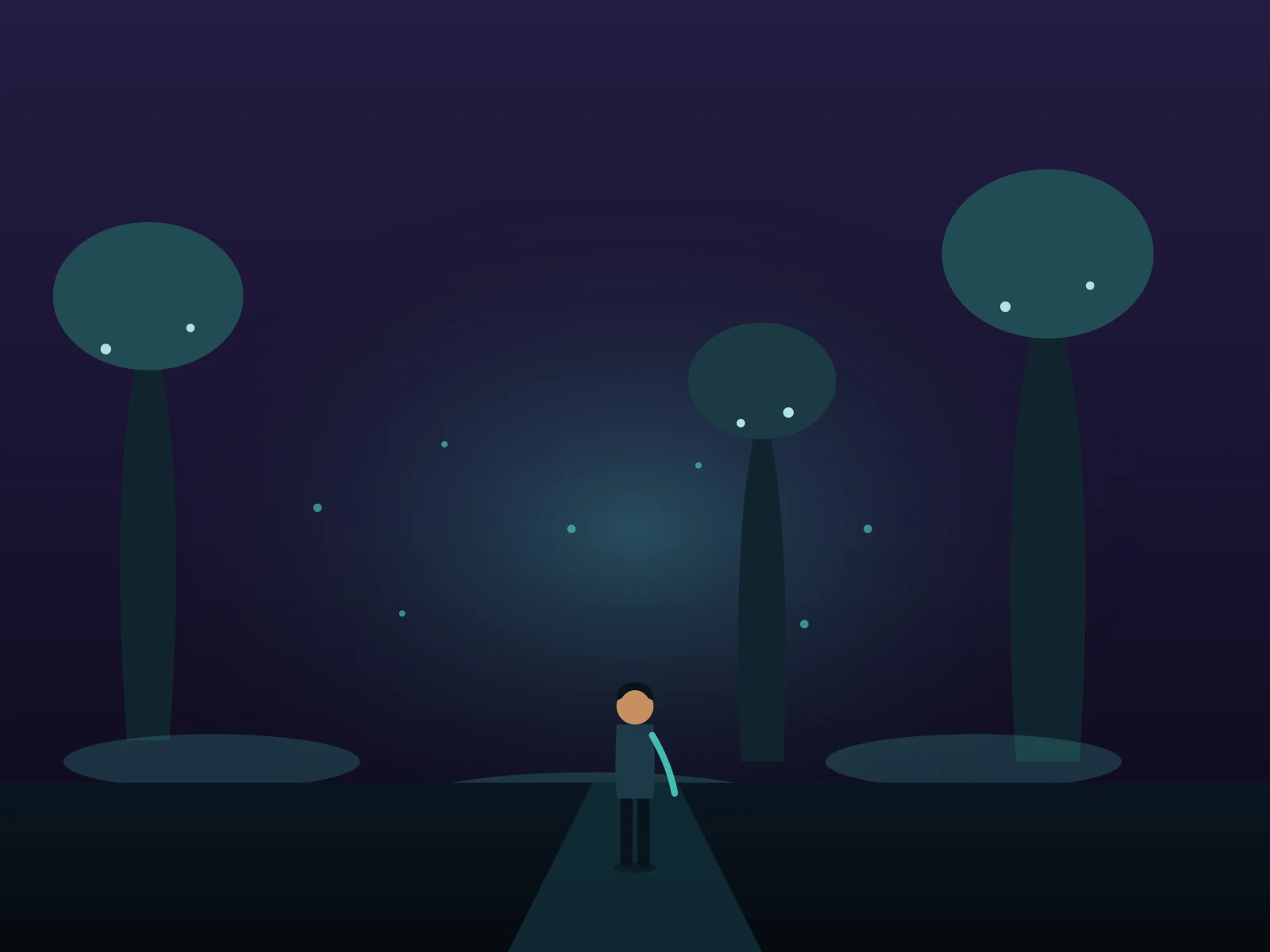
Spirit Wilds

Bioluminescent forest at night — the wilds part around you as the glow bends.

See the Seven Havens scenes

One face, every element

Watch modern people step onto haven rooftops, walk temple spires, move through spirit-lit wilds, and cross the market — as benders.

About 8 seconds · Landscape

Haven Skyline

A rooftop over the spirit-lit towers — wind catching your wraps as the city glows below.

About 7 seconds · Landscape

Air Temple Spires

Prayer flags and thin mountain air — an airbender’s walk between the towers.

About 8 seconds · Landscape

Spirit Wilds

Bioluminescent undergrowth at night — the forest lights your path through.

About 7 seconds · Landscape

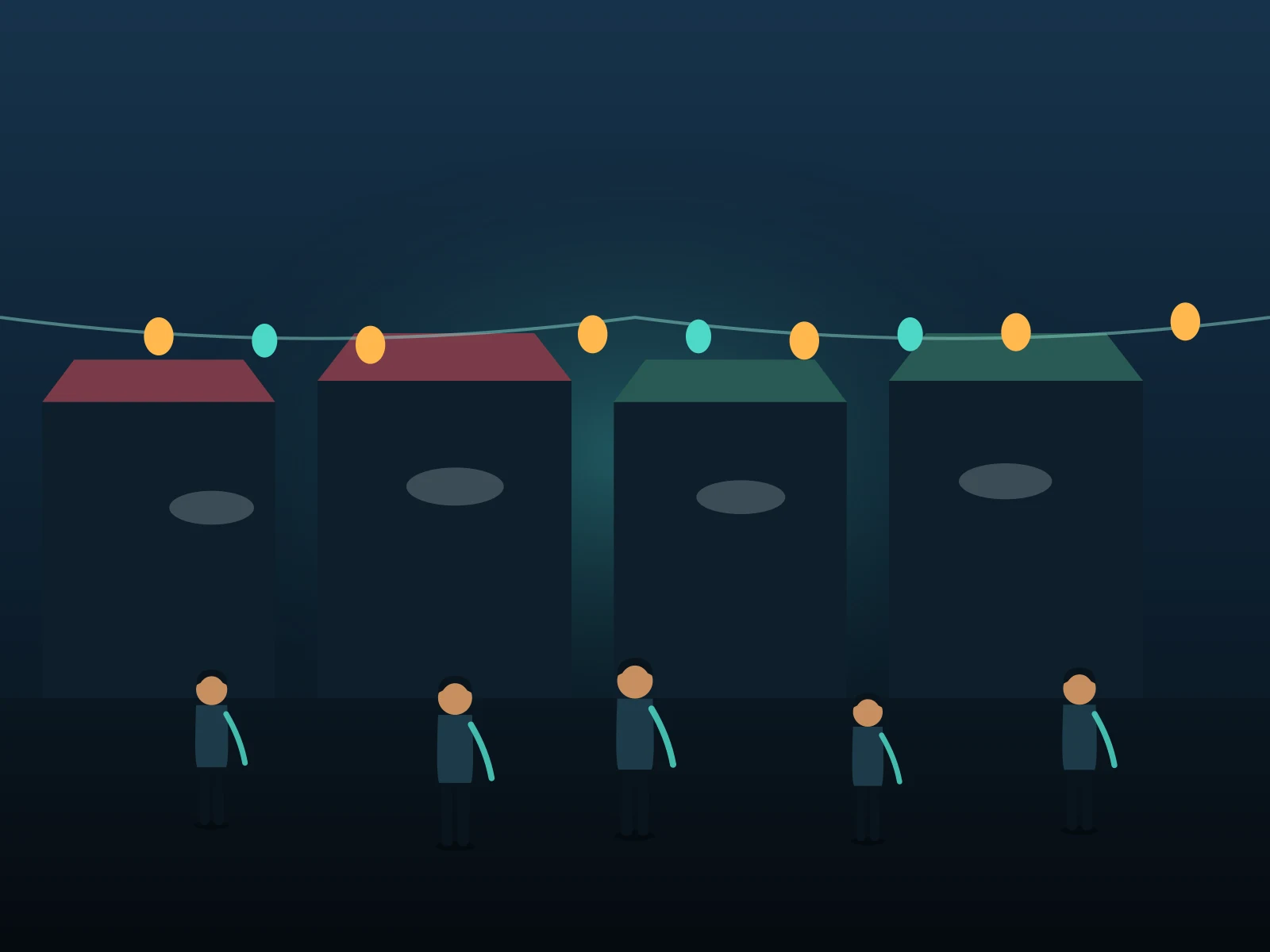
Market Haven

A trading post at dusk — steam, lanterns, and you weaving through the crowd.

How it works

How to make a Seven Havens video

Start with one photo. Choose the length. Download your bending debut.

Upload your photo in the Seven Havens workspace01

Upload your photo

Choose a clear photo with your face visible — portrait or half-body, even light. JPG, PNG, WebP · Up to 10 MB.

Choose clip length and generate in the Seven Havens workspace02

Choose length and generate

Pick a 5-second or 10-second clip, confirm you can use the image, then generate the scene. Landscape · Silent MP4.

Download and share your haven video03

Download and share

Watch your finished video here or in My creations, then download it. Add a score in TikTok, Reels or your editor before posting.

Introducing Seven Havens AI

A photo-to-haven video pipeline

Seven Havens AI is an AI video generator tuned for one job: putting you inside a believable post-cataclysm haven world. Upload the photo, pick a scene, and the studio handles wardrobe, elements, camera, and light.
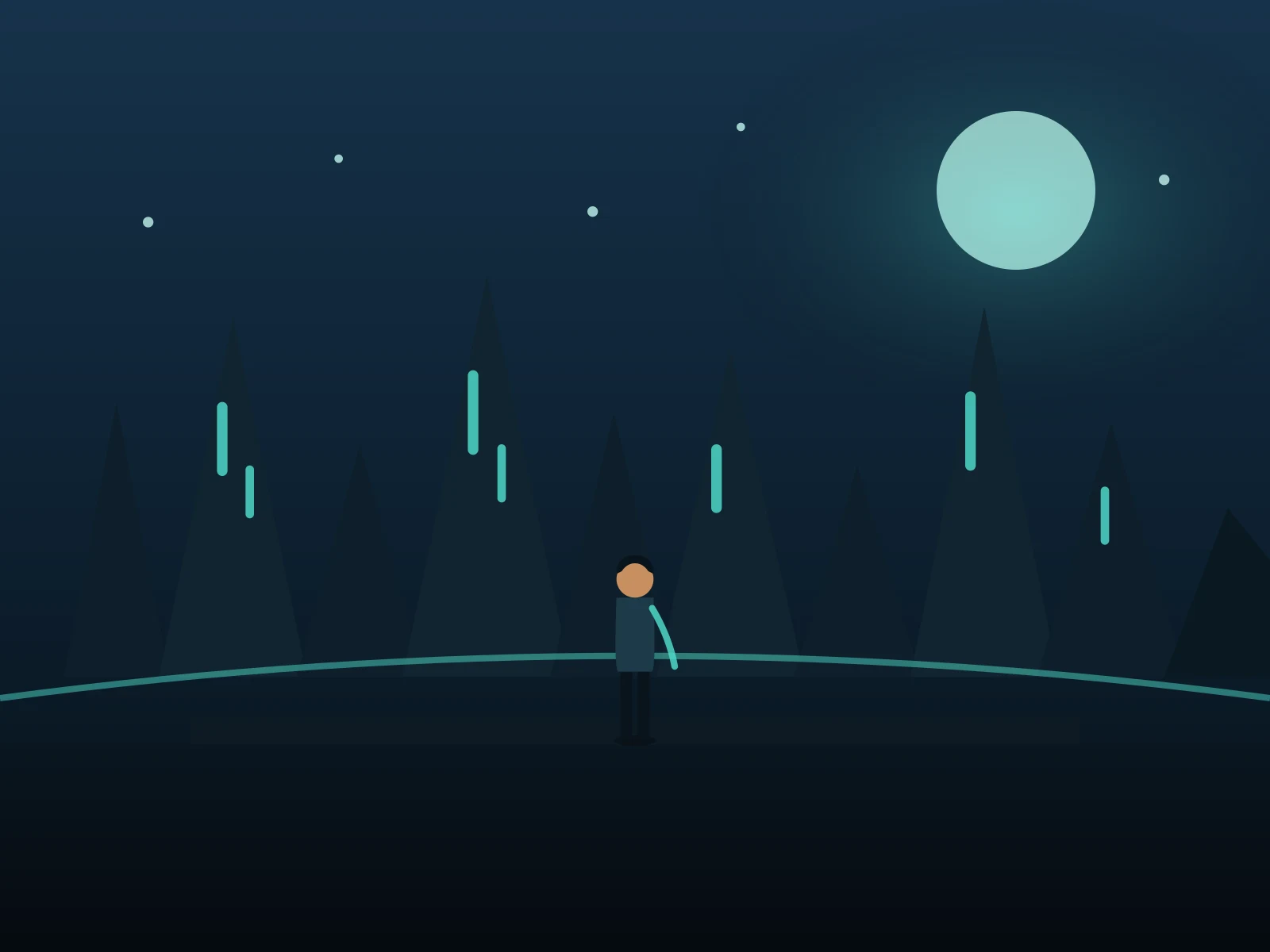
Seven Havens AI video generation studio preview
01

Photo-first workflow

One clear photo of you is enough — face and posture carry into the generated clip.

02

Directed scene templates

Skyline, temples, sanctuaries and wilds come pre-directed — no prompt engineering needed.

03

Elemental styling

The engine re-dresses you as a bender of the scene — wraps, leathers, element-touched detail — while keeping your face yours.

04

Anime-grade light

Spirit-glow accents and dusk palettes tuned for the haven look, sized landscape, vertical, or square.

05

Share-ready MP4

Download a clean video file and add your own soundtrack where you post it.

06

Simple pricing

One-time credit packs cover every scene — buy only what you need, credits stay valid for a year.

Seven Havens AI Pricing

One-time credit packs, no subscription. Pick a pack, upload a photo, and your clip renders in minutes.

For any questions about payment or plans, contact our support team: Contact support

Secure checkout with major payment networks

  • Mastercard
  • Visa
  • American Express
  • Apple Pay
  • UnionPay
  • Google Pay
  • JCB
  • Discover
  • Click to Pay

Available methods are shown at checkout and may vary by payment provider, device, currency, and region.

Review pricing, credits, validity, and refunds before choosing a Seven Havens AI credit pack.

Understand the pack before you pay

How photo-to-haven works, what it costs, and what to check before you share.

01How does pricing work?
Seven Havens AI sells one-time credit packs — no subscription and no recurring charge. Buy a pack once and spend the credits whenever you want.
02How many credits does one video cost?
A 5-second haven clip costs 60 credits and a 10-second clip costs 120 credits. You always see the exact credit cost before you generate.
03How long are my credits valid?
Credits from one-time packs are valid for 365 days from the purchase date.
04Is there a subscription?
No. Every pack is a single payment — there is nothing to cancel and nothing renews automatically.
05What do I get for each generation?
Each render returns a silent MP4 clip of you in a haven scene, plus access to all nine scene templates at no extra charge.
06Can I use generated videos commercially?
Yes, paid credits can be used for personal and commercial projects, subject to the terms of service, your rights to the uploaded photo, and third-party IP — do not present fan-made clips as official content.

Scene library

Skylines, temples and spirit wilds

Preview a scene, then run it on your own photo.

View all 9 templates
Haven Skyline8s · 16:9City

Haven Skyline

Air Temple Spires7s · 16:9Temple

Air Temple Spires

Water Sanctuary7s · 16:9Temple

Water Sanctuary

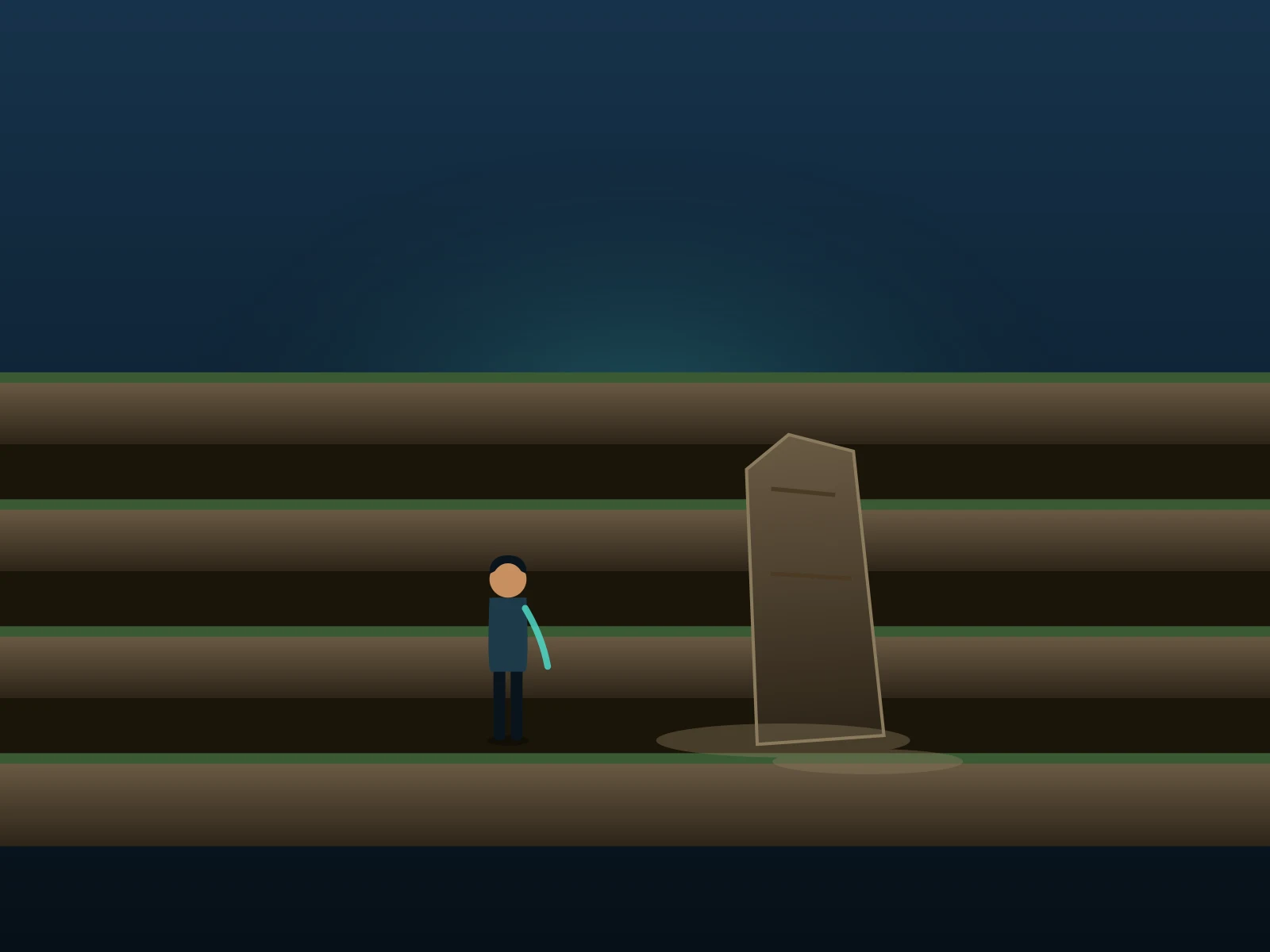
Earth Stronghold8s · 16:9City

Earth Stronghold

Fire Terraces7s · 16:9City

Fire Terraces

Spirit Wilds8s · 16:9Wilds

Spirit Wilds

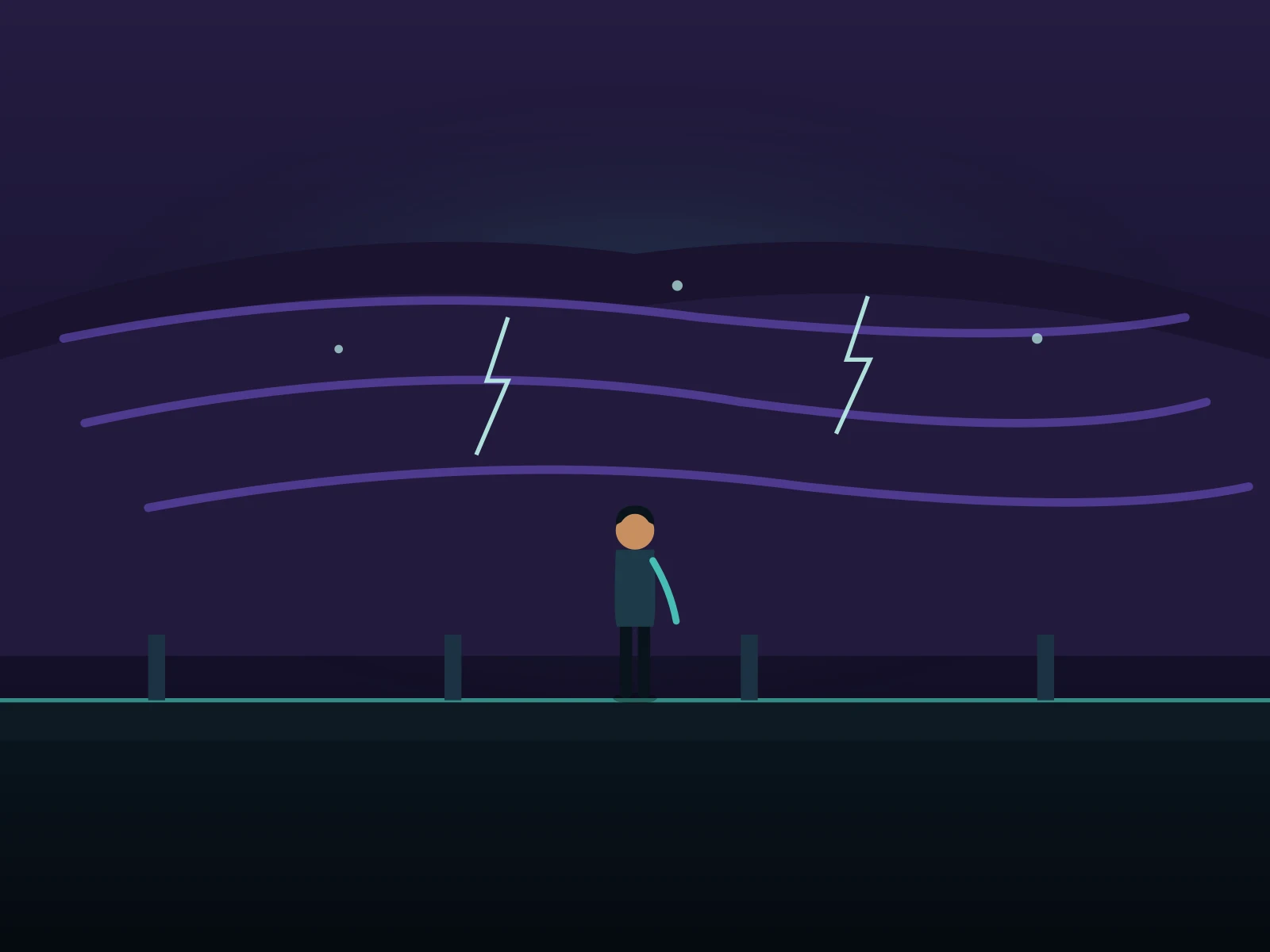
Flooded Ruins8s · 16:9Edge

Flooded Ruins

Market Haven7s · 16:9City

Market Haven

Cataclysm Edge8s · 16:9Edge

Cataclysm Edge

Before your first trip

Seven Havens AI FAQ

How photo-to-haven works, what it costs, and what to check before you share.

01What does Seven Havens AI do?
It turns a photo of you into a short video set in a post-cataclysm haven world — city skylines, temple spires, spirit wilds and more. Your face anchors the shot; the scene template supplies the world, wardrobe, and elemental styling.
02Is this official Avatar content?
No. Seven Havens AI is an independent, fan-made studio — not affiliated with Paramount, Nickelodeon, or Avatar Studios. Scenes are original haven-world art inspired by the trend, not reproductions of the show.
03How many photos do I need?
One. A sharp, well-lit shot with your face clearly visible works best — half-body or full-body, looking toward the camera. JPG, PNG, or WebP uploads are supported.
04Do I need to write a prompt?
No. Every scene carries a pre-directed prompt for the world, wardrobe, camera, and element. You can edit it before generating if you want a custom moment.
05Can I make a bender portrait instead of a video?
Yes — the image studio restyles your photo into a haven-world portrait first: elemental wardrobe, spirit light, anime grade. Run it first, then animate the result.
06How long is a haven video?
Clips run 5 to 10 seconds depending on the setting — sized for social posts and short edits.
07Does the video have sound?
Engines with an audio toggle can generate ambience with the picture; otherwise the clip is silent — add a score where you share it.
08Is Seven Havens AI free?
Generation is paid — one-time credit packs start small, so a single clip costs only a few dollars. The studio shows the exact credit estimate before every run.
09Will the result look exactly like me?
Your photo anchors the face, but AI output varies. Check the likeness and styling before sharing — and label the clip as AI-generated where it matters.
10How do I start?
Open Create, drop in your photo, pick a haven scene, and generate. You can set everything up before signing in — sign in to run the render.

Take the trip

One photo. One world: the havens.

Upload a photo and get a bender video of yourself you can post tonight.